One-person studio · May sprints open
Stop losing weeks to boilerplate.
We ship the product you were going to build next month, this week. Fixed scope. Fixed price. No PMs. No handoffs.
One-person studio · May sprints open
We ship the product you were going to build next month, this week. Fixed scope. Fixed price. No PMs. No handoffs.
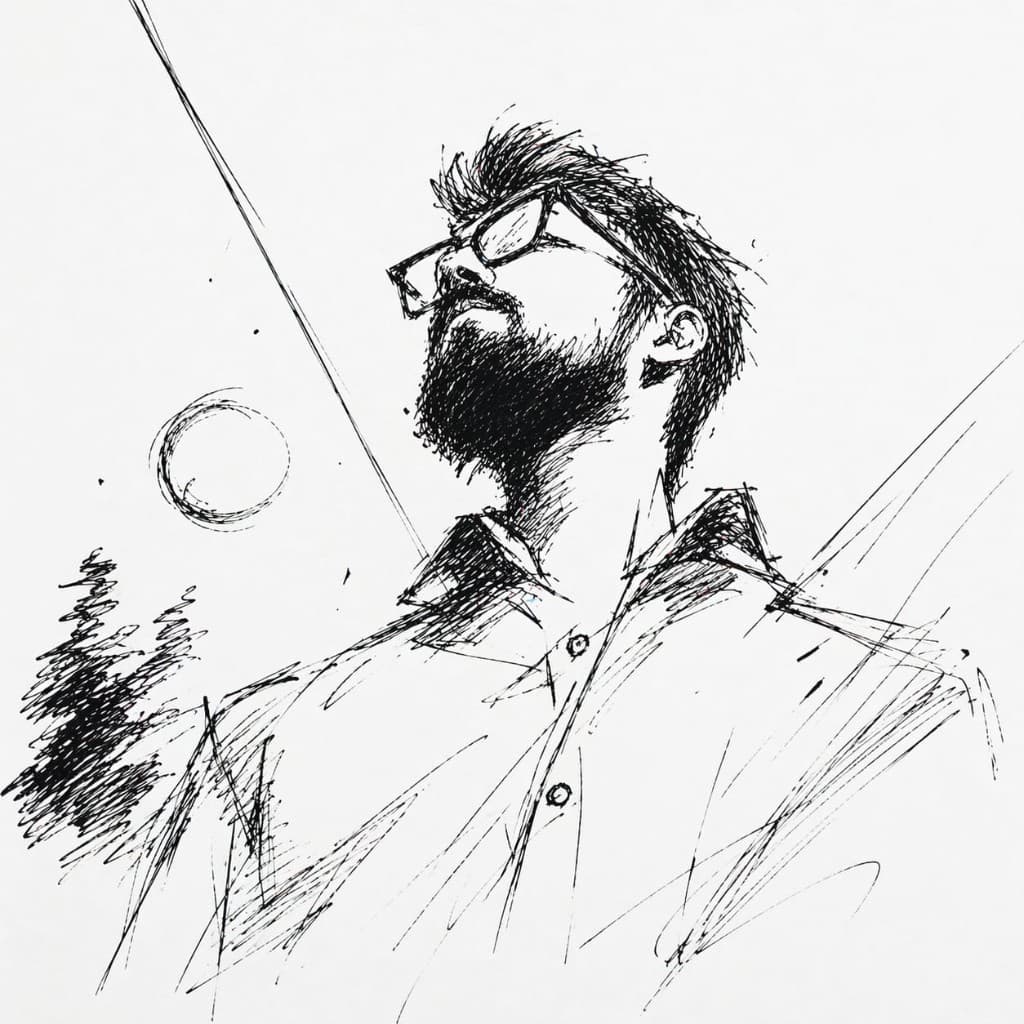
Koustav
Founder · every line of code
How we work
01
Locked
Agreed before day one, no creep theatre.
02
Guaranteed
$4,800 MVP · from $2,400 AI feature.
03
Direct
One senior engineer. Not your 14th channel.
Selected work
Free tools
No signup. No watermark. Feel the craft before you hire it.
Pricing
Scope once, price once, ship once. You know the number before we write a line of code.
Zero to shipped in one week · 7 days
Investment
$4,800
flat · 7 days
Scope once. Price once. Ship once. If we go over, that’s our problem, not yours.
AI Feature Integration
Drop AI into your product, properly · 1–2 weeks
Add a well-designed AI feature to your existing app: streaming, cost-aware, safe, and actually useful.
Custom Design System
A design language you can ship on · 2–3 weeks
A production-ready design system (tokens, components, and docs) that matches your brand and stays consistent as you scale.
Full-Stack Product Build
A complete product, built with you · 4–8 weeks
End-to-end product development for startups that need a senior studio partner. Strategy, product, design, and engineering in one loop.
Who
Koustav. Solo founder. Every line of code, every pixel, every email. When you hire the studio, you talk to the person building your thing. One sprint at a time. Reply same day.
Ready when you are
Free 15-minute intro. Two project slots open this quarter. We’ll say honestly if we’re a fit.